

TL;DR: Integration Tools Simplify Startup Growth in 2026
Non-technical founders can run efficient, scalable operations without hiring developers by leveraging integration tools and no-code platforms. These tools eliminate messy workflows, automate tasks, and create cohesive systems, allowing founders more time to focus on strategy. Options like Zapier and Unito are perfect starting points for automating processes quickly, while platforms like Glide and Bubble allow for app creation without writing code.
💡 Curious about bootstrapping a startup without technical skills? Explore how to bootstrap smartly and kickstart your entrepreneurial journey!
Integration Tools Every Non-Technical Founder Should Know
In 2026, integration tools aren’t just a convenience, they’re essential. If you're a non-technical founder building a business from scratch or trying to scale smartly, the right tools can mean the difference between drowning in messy workflows and running a lean, highly functional operation. These tools handle everything from connecting apps to building entire systems without writing a single line of code.
For founders like myself, who began their entrepreneurial journey without an engineering background, these tools empower us to automate processes, handle workflows, and scale efficiently while focusing on strategy and vision. Here’s a breakdown of the most useful options tailored to non-technical founders.
"The best tools are not the ones that do everything but the ones you’ll actually use daily. Non-technical founders succeed by skipping the learning curve and automating smarter." , Violetta Bonenkamp
What Are Integration Tools?
Integration tools connect various applications within your tech stack, ensuring seamless data exchange and process alignment. Think of it as glue that binds every moving part of your business, marketing, sales, finance, customer support, into one cohesive system without coding expertise.
Examples include platforms like Unito for two-way syncs or automation tools such as Zapier, popular for creating workflows among cloud-based apps. The key is defining your needs first and then finding a user-friendly tool that matches them.
For aspiring entrepreneurs and female founders looking to break into tech, starting with automation tools simplifies operations significantly, especially when budgets are tight and hiring in-house developers isn’t an option.
The Top No-Code Integration Tools In 2026
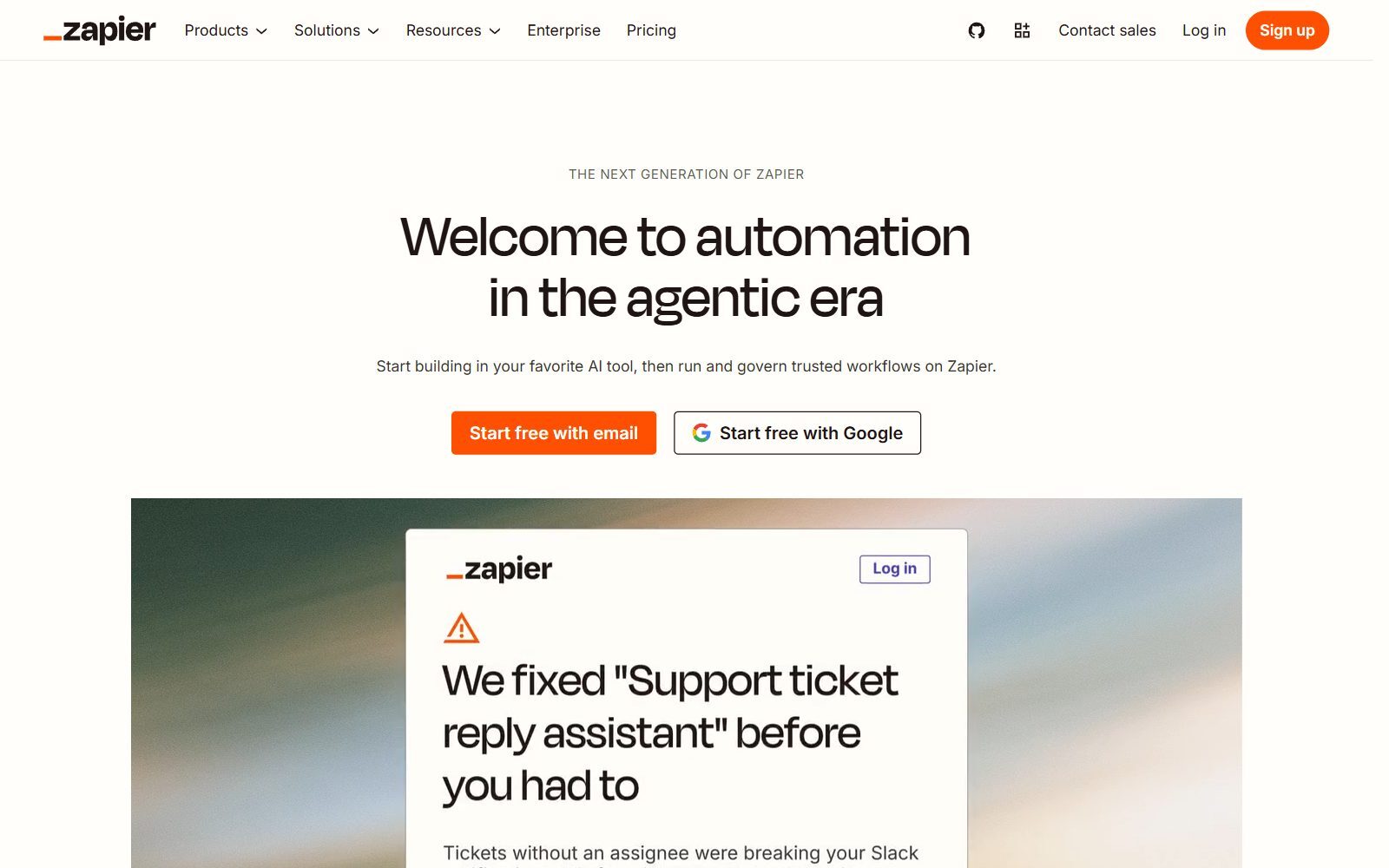
- Zapier: Best for automating repetitive tasks between apps, especially marketing and CRM workflows.
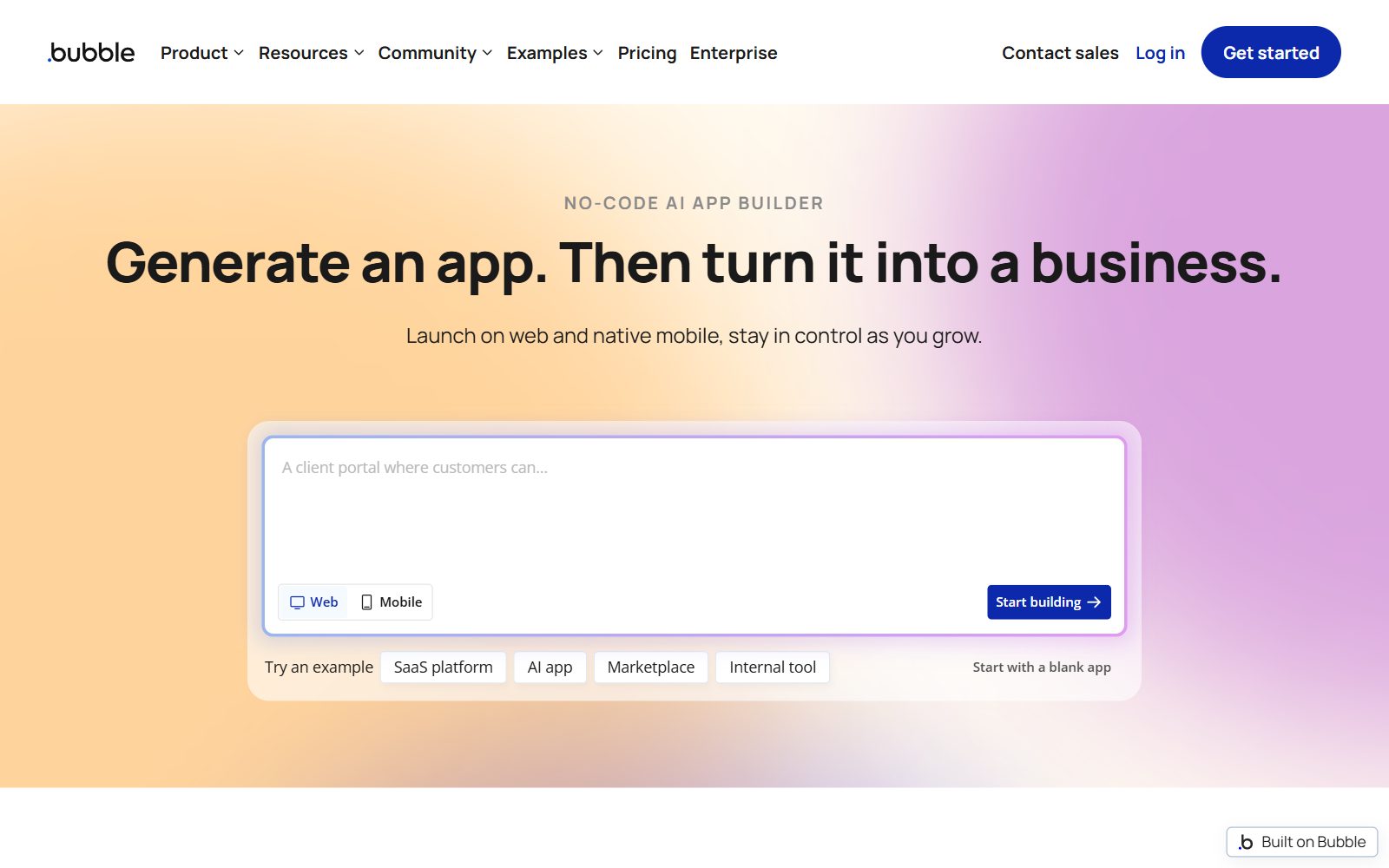
- Bubble: A full-stack no-code platform perfect for crafting web-based applications with drag-and-drop functionality.
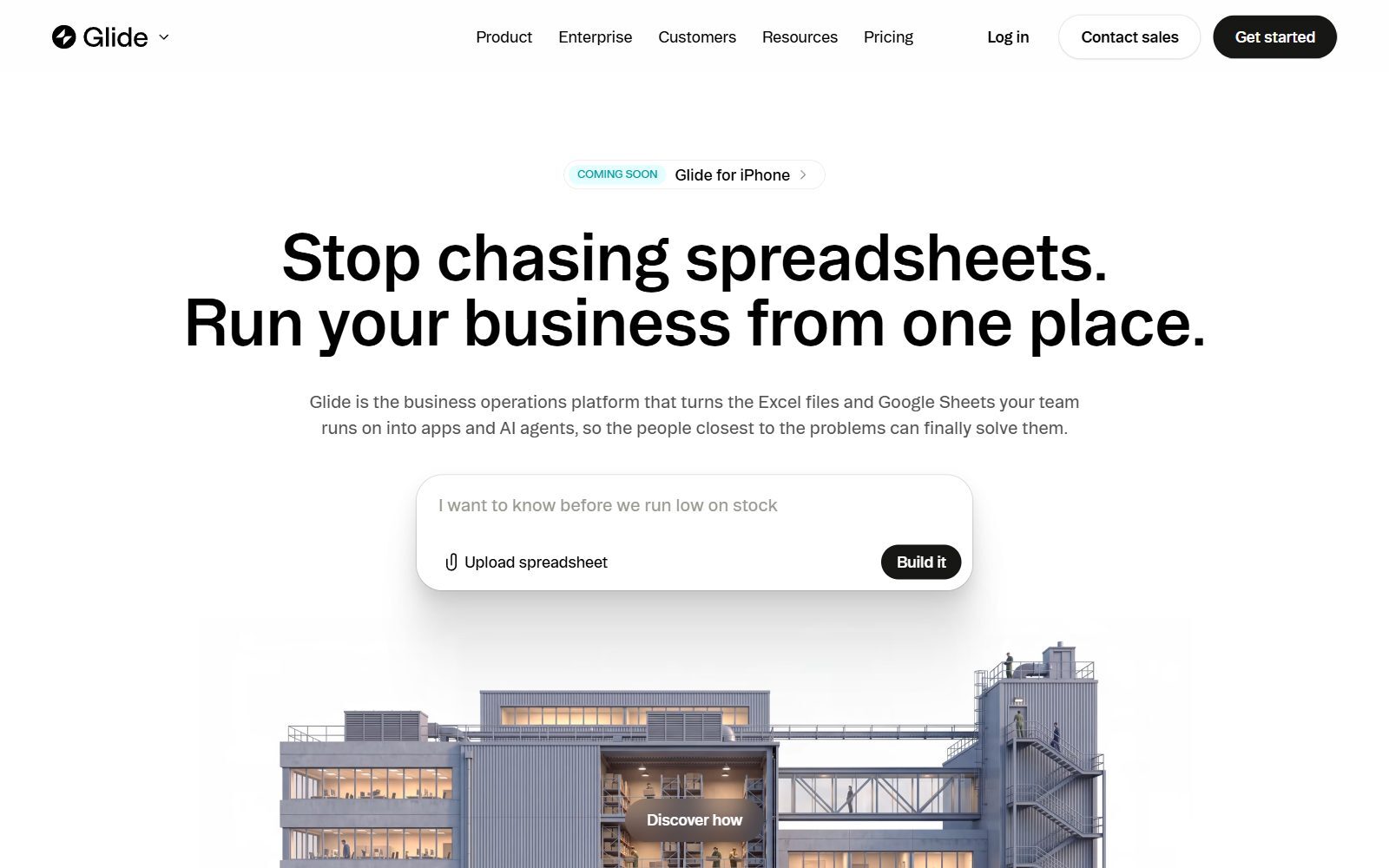
- Glide: Convert Google Sheets into functional apps in under an hour. Ideal for internal tools or client portals.
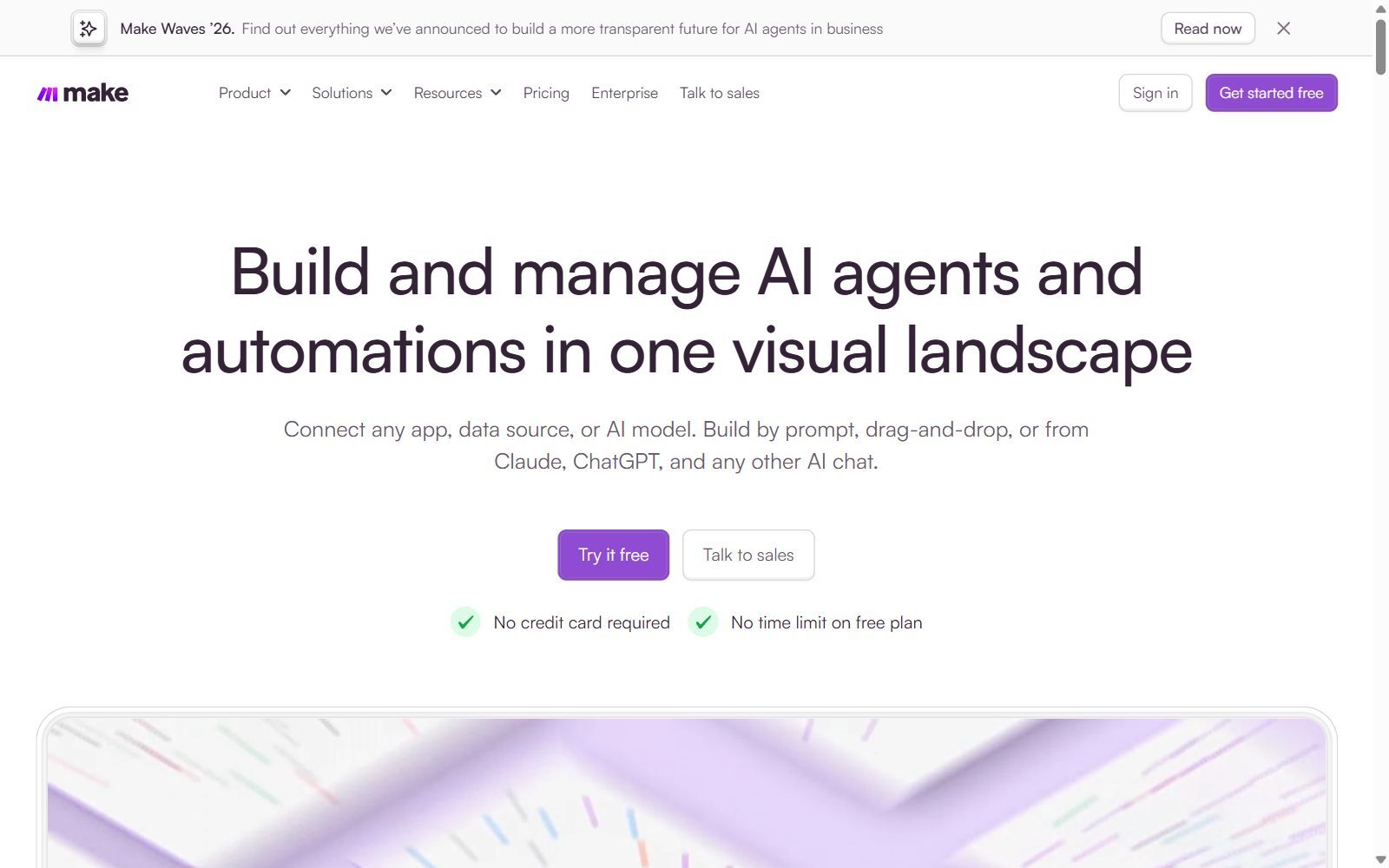
- Make (formerly Integromat): Advanced automation workflows for founders needing flexibility.
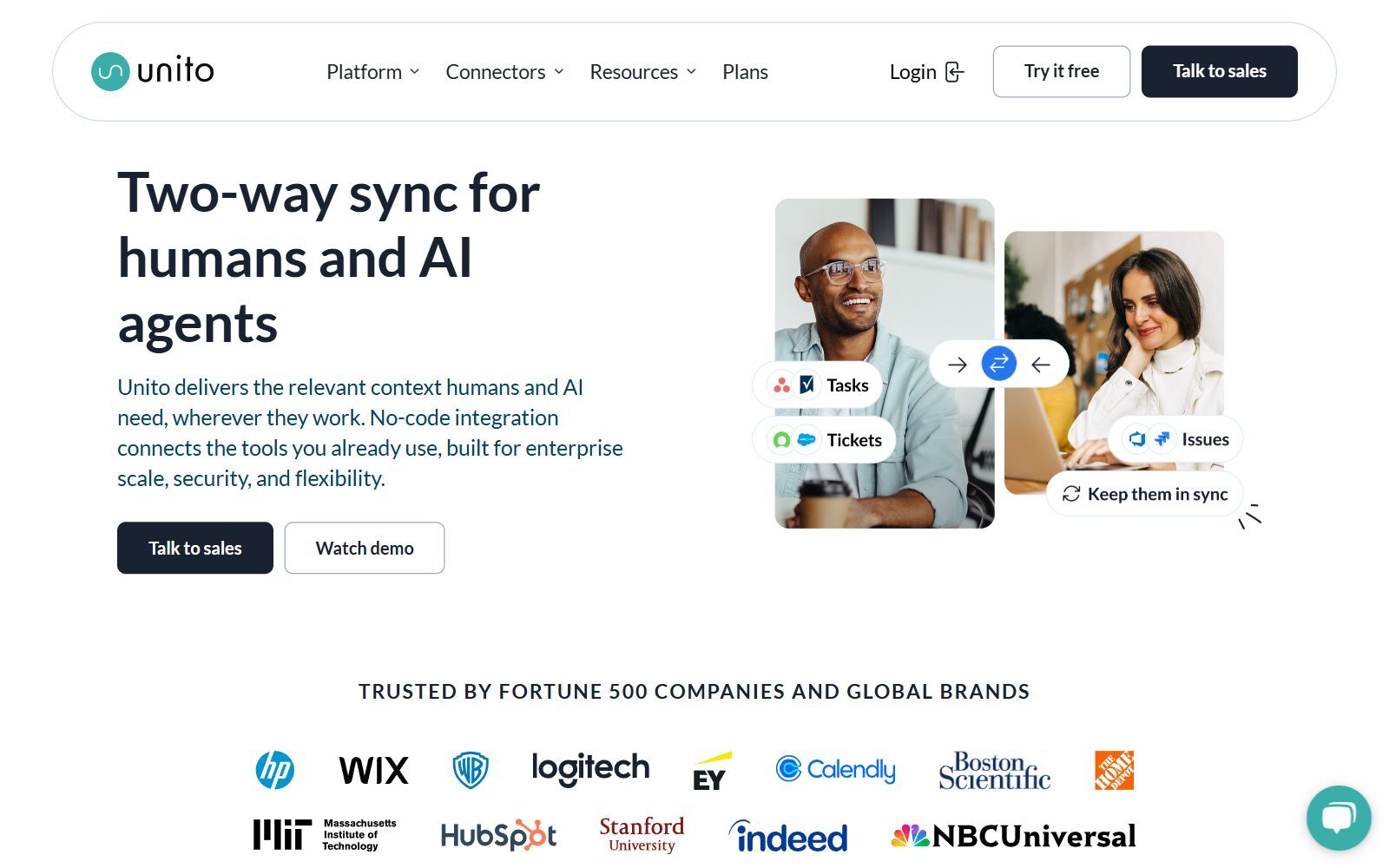
- Unito: Powerful two-way sync platform, often chosen for syncing task management tools like Trello or Asana.
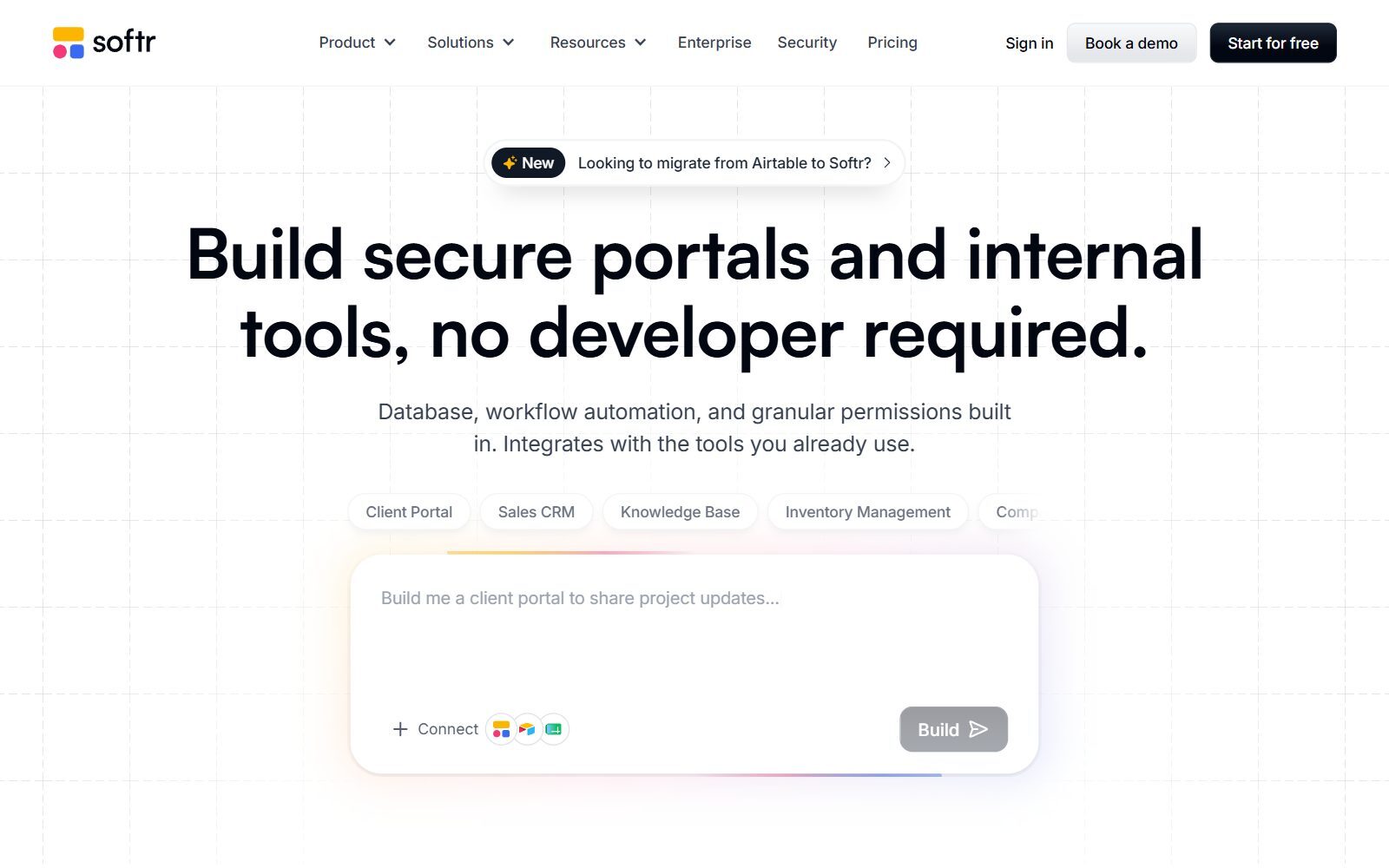
- Softr: Allows non-technical founders to build websites, dashboards, and marketplaces by transforming Airtable data into user-friendly applications.
How to Choose the Right Tool for Your Startup
When choosing integration tools as a founder, prioritize simplicity and what aligns with your immediate goals. Here’s a quick checklist to follow:
- Understand Your Pain Points: Start with bottlenecks in everyday workflows. If you're toggling between spreadsheets and multiple apps daily, a solution like Glide or Unito is your starting point.
- Look for Scalability: Early-stage startups need flexibility. Platforms like Bubble grow with your business and eliminate unnecessary rebuilds.
- Test Free Trials: Tools like Softr or Zapier offer free plans that let you experiment risk-free.
- Prioritize Integration Breadth: Choose tools like Make, which can connect numerous platforms efficiently.
Common Mistakes Non-Technical Founders Make
- Starting with Complex Tools: Tools like OutSystems are powerful but also require a steep learning curve. Stick to no-code solutions initially.
- Not Documenting Workflows: It’s critical to document your processes before automating. This prevents fragmented systems.
- Over-Reliance on Single Tools: Balance your stack by leveraging complementary tools like website creation tools alongside integrations rather than relying on one giant platform.
Getting Started With Integration Tools
My best advice? Don’t overthink. One of the most practical ways I began leveraging these tools was by building workflows that simply saved me an hour or two daily, like automating emails between my customer support and CRM systems through Zapier. As you master the smaller automations, you’ll discover new opportunities to scale effortlessly without hiring tech specialists. For female entrepreneurs, diving into such tools is like giving yourself a new co-founder, one as efficient as a laser-sharp operational assistant with unlimited stamina.
As you explore the tech landscape, remember that tools like no-code platforms can cut costs dramatically. They are not just stop-gap measures, but actual growth engines for startups aiming to scale intelligently and bootstrap their success.
Want your startup or tool to get noticed in our blogs?
We curate content specifically for female founders dominating startups in 2026. Let us amplify your reach.
👉 Get Featured
Conclusion: Embrace Innovation for Growth
Integration tools are indispensable for the modern founder. For women in tech especially, these solutions empower lean teams to scale while maintaining control over their operations. By starting simple, leveraging free trials, and continuously optimizing workflows, you stay ahead of competitors still bogged down by inefficiencies.
If you're excited about learning how women across Europe are rewiring the tech narrative, start with exploring essential resources for founders. The future doesn’t belong to those who hesitate, it belongs to doers like you who use every tool available to drive meaningful impact.
People Also Ask:
What are the different types of integration tools?
Different types of integration tools serve various business needs. The most common types include Extract, Load, Transform (ELT); Extract, Transform, Load (ETL); and data replication tools. Each category supports specific approaches, such as moving data between systems or preparing it for analytics. Selecting a type typically depends on individual use cases and operational goals. For example, ELT tools are often chosen for real-time analytics, whereas ETL tools focus on ensuring data is structured and cleaned before processing.
What are the common tools for integrating?
Some widely recognized tools for integration include platforms like Cleo Integration Cloud, SnapLogic, Workato, Jitterbit, Celigo, Boomi, Informatica, and IBM App Connect. These tools help users link applications, automate data workflows, and share information effectively. Each tool offers diverse capabilities, such as connecting cloud-based or on-premises systems or enabling custom integrations for specific industries or business needs.
What can non-tech users achieve with AI tools?
AI tools empower non-technical users across various fields, such as marketing, healthcare, education, and finance. They assist in automating repetitive tasks, analyzing extensive data sets, and generating insights that aid informed decision-making. Users without technical expertise can use AI tools to manage tasks like customer segmentation, financial forecasting, or personalized content creation with ease.
What is a non-technical founder?
A non-technical founder is someone responsible for leading or building a business without a background in coding or software development. Their role often includes handling tasks like business strategy, partnerships, product vision, and team building. They complement technical team members by focusing on non-coding aspects of running a company.
How do modern tools assist business founders?
Modern tools offer critical support to founders by providing access to cloud platforms, project management systems, customer relationship software, AI-driven analytics, and more. These tools simplify workflow automation and reduce manual effort, allowing founders to focus on business growth. Examples include tools like Slack, Microsoft Teams, and Trello for team communication and coordination.
Why are APIs essential for digital businesses?
APIs enable applications to communicate effectively, allowing businesses to share data, integrate functionalities, and provide seamless digital experiences. They are vital for connecting multiple services such as payment gateways, social media platforms, or customer management systems, thereby enhancing service delivery and scalability.
What can small startups gain from integration tools?
Integration tools help small startups automate their operational processes, saving time and resources. By linking multiple systems, they eliminate repetitive tasks, improve data consistency, and allow efficient management of services like marketing platforms, client portals, and inventory systems.
How can AI simplify work for founders?
AI tools simplify work by automating data entry, customer queries, or payroll management. They also assist in predicting business trends, creating forecasts, and optimizing resource usage. Founders especially benefit from tools like customer support bots and AI-based scheduling platforms.
Are integration tools accessible to non-technical users?
Yes, an increasing number of integration tools are designed for non-technical users. Platforms offer user-friendly dashboards, drag-and-drop features, and pre-built connectors, lowering the barrier of entry for individuals without a programming background. These tools allow users to adjust and manage workflows easily, using minimal technical know-how.
What kinds of businesses should consider integration tools?
Businesses of all sizes, particularly those reliant on digital operations, should consider integration tools. Startups, SMEs, and enterprises that handle complex data across multiple platforms can achieve smoother processes, better team collaboration, and enhanced decision-making through these tools.
FAQ on Integration Tools for Non-Technical Founders
Why are integration tools valuable for startups without technical founders?
Integration tools help startups automate workflows, connect business apps, and streamline operations without coding. They enable founders to focus on strategy and product while reducing dependence on technical teams. Solutions like Zapier and Unito offer efficiency for repetitive tasks vital in early-stage businesses.
Can integration tools scale as startups grow?
Yes, many tools like Bubble and Make are built to support scaling businesses. They grow with your operations, offering flexibility in integrations and functionality. For best results, prioritize platforms adaptable to increasing data complexity and user demands.
How do no-code platforms compare to coding-based software integrations?
No-code platforms like Glide or N8N simplify complex integrations with drag-and-drop designs, ideal for non-technical founders. Coding-based tools allow custom solutions but require developer expertise. For lean, fast setups, no-code tools are more efficient and cost-effective.
What are the best practices for choosing integration tools for startups?
Define workflow bottlenecks and scalability needs first. Compare user interface simplicity, integration range, and cost-effectiveness. Experiment with free trials from tools like Zapier or Softr to evaluate fit before finalizing. Learn how founders use N8N effectively in this article on building startups with N8N.
Are AI integration tools becoming essential for non-technical founders?
Yes, AI tools optimize processes by automating data analysis and decision-making. Platforms like Claude Code simplify workflows with pre-configured modules. Discover its benefits for rapid innovation in this detailed guide to using Claude for startups.
How do integration tools assist in marketing automation for startups?
Integration tools like Fyxer AI streamline marketing workflows by automating repetitive tasks such as lead outreach, segmented campaigns, and analytics syncing. Combine tools like Zapier with database platforms to set impactful email and content strategies, saving time and boosting ROI.
What are some overlooked features in integration tools for startup scalability?
Look for multi-app synchronization, workflow templates, and advanced customer data mapping. Tools like Bubble and Make allow founders to maintain consistency in data and processes while optimizing speed across applications, crucial for scaling teams and operations efficiently.
Should founders opt for open-source tools for workflow integration?
Open-source tools like N8N provide flexibility for startups with limited budgets. They reduce vendor lock-in risks and allow extensive customization. However, they might require minimal technical understanding, so assess your team’s skill set before implementing them.
What mistakes should be avoided when automating with integration tools?
Avoid rushing into complex setups, neglecting workflow documentation, or over-relying on single tools. Ensure compatibility across platforms and prioritize incremental automation. Document every process carefully to maintain system cohesion and future-proof operations.
How can startups maximize ROI with integration tools?
Start by automating high-impact, time-consuming tasks first, like syncing sales and CRM data. Optimize workflows to reduce manual efforts, scaling incrementally with revenue. Use analytics tools bundled with integration platforms to measure efficiency and improve outcomes.
